AIFinanceTaxRAG
Why does AI quote the wrong clause when the right one is in your documents?

9 min read
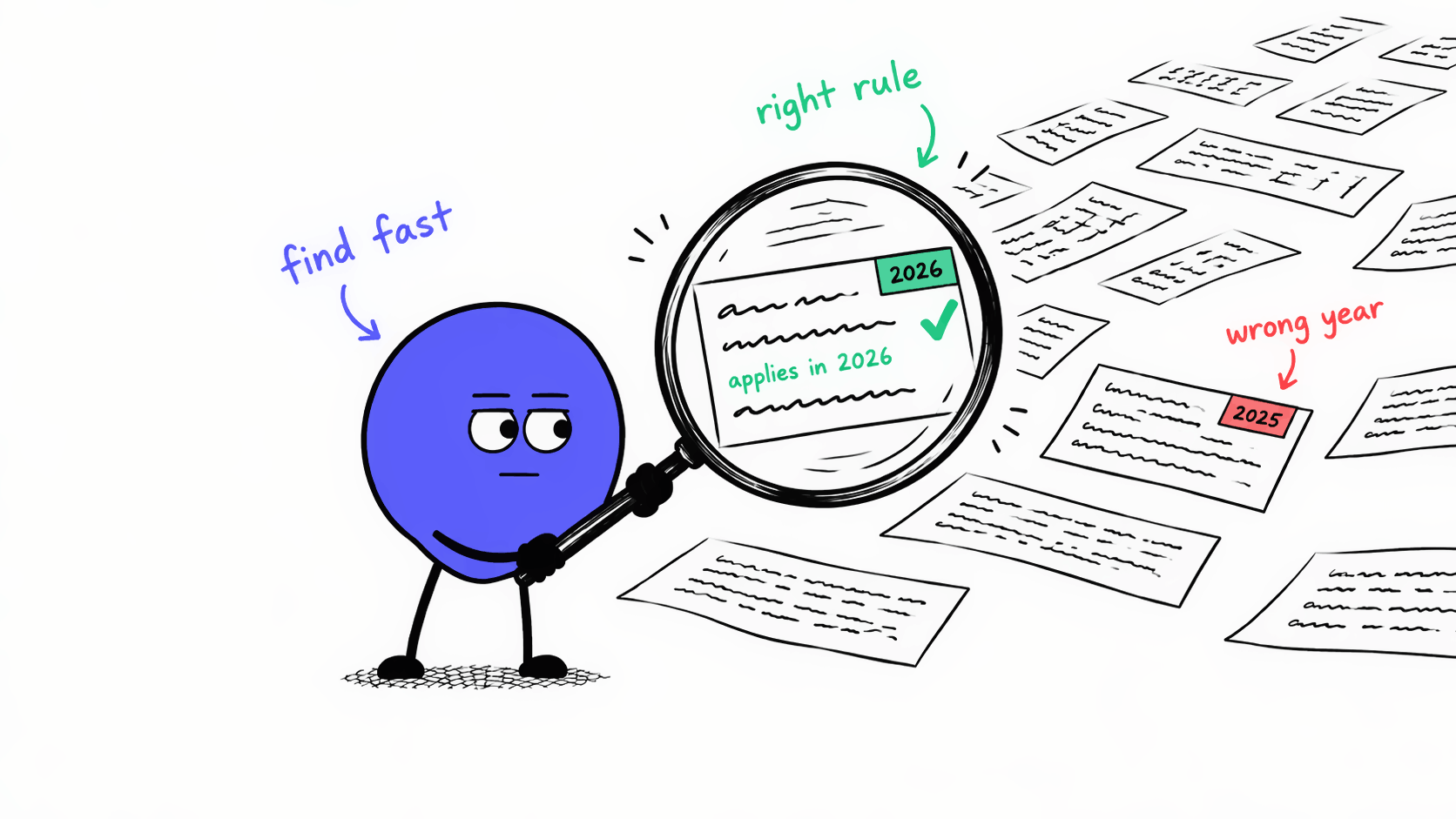
Suppose your team asks how much VAT it should have charged on a December 2023 delivery of printed books.
Invoice
No. 2023-118 | Swiss supplier
Issued 20 Dec 2023
| Description | Delivered | Net amount | VAT rate | VAT |
|---|---|---|---|---|
| Printed books, 120 copies | 15 Dec 2023 | CHF 10'000.00 | VAT rate unknown | VAT amount unknown |
You have extensive documentation for tax rates in different jurisdictions and how they differ by product and over time. The right rule is in there. But an AI assistant can still quote a rule that sounds right and does not apply to this invoice.
Whether the AI assistant finds the right rule depends a lot on how you give it your documents. There are two common ways: You can send all of them, or you can search first and send only the relevant passages. The second approach is called retrieval-augmented generation, or RAG.
I'll explain the trade-offs between both approaches, and why neither is enough on its own. To find the right rule, you also need to tag your documents, pre-filter them on the invoice facts and use an agent that checks the result and repeats the search when needed.
Letting the AI assistant read all documents is the obvious place to start. If they fit within the model's context window, the model can read rules, definitions and guidance together in one go.
For a minimum viable product (MVP), that is a good way to start. You can test whether the AI assistant helps before you invest more.
There are three major problems with sending the entire document set:
For each question, you pay to process all documents again, even when the question only needs a few passages. AI models process text as tokens, which are parts of words. Providers bill for the tokens you send and the tokens the model generates.
Some models also charge more once a request passes a size limit. OpenAI doubles the input price above 272'000 tokens, so a 500'000-token library costs twice as much per token as the passages. The table below compares the cost of 1'000 questions answered by different models with the two approaches (sending the full library vs retrieving the relevant passages), at standard API prices on 12 November 2026, without prompt caching:
| Model | Price per 1M tokens | Whole library (500k) | Selected (20k) | Cost ratio |
|---|---|---|---|---|
| GPT-6.1 Sol | $2$4 above 272k | $2'000 | $40 | 50× |
| GPT-6 Luna | $0.10$0.20 above 272k | $100 | $2 | 50× |
| Claude Opus 5.5 | $4 | $2'000 | $80 | 25× |
Sending everything costs 25 to 50 times as much in input tokens, depending on the model.
Prompt caching reduces this gap. Providers bill input that they processed recently at 5% to 10% of the standard price for the models above. But a cache expires. On Claude, for example, it lasts 5 minutes or 1 hour, and the request that stores the library in the cache costs more than a normal request. When the cache has expired or the library has changed, you pay for the whole library again. A team that asks a few questions spread over the day pays the full price for most of them.
More text can also make answers less reliable. In its 2025 study of 18 models, Chroma found that performance declined as the input grew, even on simple tasks. The study calls this context rot. Passages that looked relevant but didn't answer the question made it worse. That matters here, because a set of VAT rules has plenty of similar-looking descriptions and only one applies.
To make matters trickier, tax rules change over time. Keeping both old and new versions preserves the history, but the AI assistant still needs the relevant date and instructions for choosing the right VAT rate. In our example, today's rate does not apply to the December 2023 delivery.
Searching the document library first keeps the token bill low. With RAG, a search returns the relevant passages, and only those go to the AI model with the question.
For this to work, documents are divided into smaller pieces, often paragraphs or subsections. Each piece is indexed in advance. When a question comes in, the search compares it with the index and returns the pieces that match best.
There are two ways to do the matching. Each one is weak where the other is strong, so it helps to know both.
Keyword search looks for passages that contain the words of the question. A passage scores higher when it contains more of them, and rare words count more than common ones. "Reduced rate" tells the search more than "the" or "tax". The usual scoring method is called BM25.
This works well for exact terms such as a rule number, a product code or "withholding tax".
It fails when the question and the rule use different words. If you ask about "tax taken off a royalty payment" and the guidance only says "withholding tax", keyword search ranks that guidance low, because the only shared word is "tax".
The name "sparse" comes from how the index looks. It is a table with one row for each passage and one column for every word in the library, and most cells are zero.
| Passage | reduced | rate | printed | books | withholding | royalty | export | Every other word in the library |
|---|---|---|---|---|---|---|---|---|
| Reduced VAT rate 2.5% for printed books | 1 | 1 | 1 | 1 | 0 | 0 | 0 | 0 0 0 … |
| Withholding tax on royalty payments | 0 | 0 | 0 | 0 | 1 | 1 | 0 | 0 0 0 … |
| Export deliveries are exempt from VAT | 0 | 0 | 0 | 0 | 0 | 0 | 1 | 0 0 0 … |
Dense retrieval compares meaning instead of words. An embedding model converts each passage into a list of numbers, called a vector. Passages that mean similar things get similar numbers. The question is converted the same way, and the search returns the passages whose numbers are closest to it.
This is how "tax taken off a royalty payment" finds the guidance on "withholding tax" without a shared term.
Dense retrieval is weak where keyword search is strong. Small differences that matter a lot in tax can look almost the same to it, such as 2.5% and 2.6%, or Article 25 and Article 52.
The name "dense" comes from the vector. In a vector, every position is filled with a number, because each position describes a part of the passage's meaning.
[0.12, −0.48, 0.83, 0.35, −0.21, 0.67, …][0.14, −0.45, 0.80, 0.31, −0.25, 0.70, …][−0.62, 0.27, 0.11, −0.54, 0.73, −0.09, …][0.41, 0.58, −0.33, 0.07, −0.66, 0.24, …]Many systems run both searches and merge the two result lists. This is called hybrid search. Keyword search catches the exact terms, and dense retrieval catches the passages that say the same thing in other words.
Even with both, search alone is not sufficient. Both techniques compare the question with the text of each passage, and neither accounts for when the sale took place. In our example, the 2023 and 2024 VAT rules are worded almost the same, so the search could return the newer one even though the books were delivered in 2023.
To make the process more reliable, we need to build a workflow around the search.
The workflow first filters the passages on facts. This removes passages that cannot apply.
For the books invoice in our example, the AI assistant collects the delivery date, supplier and customer, their tax jurisdictions and the item type. The system can then filter the document library on these facts before the search runs.
For that filter to work, each document needs tags for its effective dates, jurisdiction, item types and version.
The filter and the search return passages from the right period. That still does not mean the rule applies. The reduced rate for books has conditions, and the invoice line only says "Printed books, 120 copies". A system that searches once and then answers would apply the reduced rate without knowing whether the conditions are met.
So the workflow needs a check between the search and the answer. This is a job for an agent. An agent is an AI model that works in a loop: It reads what the search returned, decides whether that is enough to answer, and takes another step if it is not.
For the books invoice, the agent looks up the conditions for the reduced rate and checks them against the items delivered. If something is missing, the agent can search again or ask the user. Unresolved cases go back to the user.
For our example, this is what it could look like:
FTA VAT Info 19, section 2.1 uses the date of supply to determine the applicable rate.
The rate table in section 1 gives a reduced rate of 2.5% through 31 Dec 2023. The 2.6% rate took effect after this delivery and is excluded.
Each part of the workflow solves a problem that comes up as your document library grows:
Built together, they let the AI assistant find the right clause in your documents and check that it applies before it answers.